






Wallet
Local rails explained
See how DANA, OVO, GoPay and QRIS appear in the wallet, what details you must match…
Sportsbook markets, Live Baccarat, Wolf Gold and Rocket Crash sit in one bolakawan lobby with DANA, OVO, GoPay and QRIS shown before you fund…

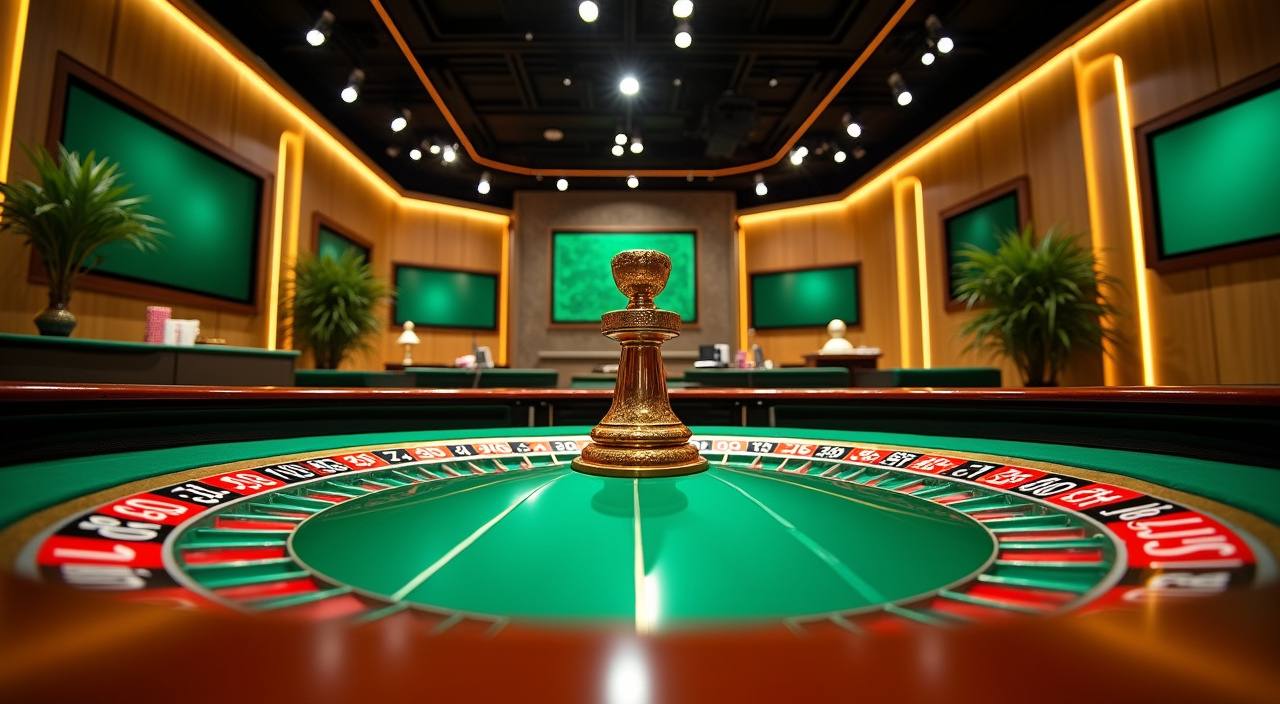
You see slots, live casino, table games, fishing rooms and sportsbook tiles arranged for quick switching from one account screen.
We carry familiar studios such as Pragmatic Play, PG Soft and Habanero, with slot and table content grouped by category inside the lobby.
Wallet funding is shown inside the account area with the local rails you already recognise.
A good home page should not hide the details you need after opening an account. We point you toward pages that explain the wallet, account checks, game categories and help routes in…



Your first visit should answer four practical questions: can you create the account, find the lobby, fund the wallet and keep access secure.
Open the account form, add your mobile number, choose a password and confirm the code we send. The full lobby appears after the basic account check is complete.
Your profile shows wallet balance, transaction history and account details in one area. We ask you to keep your phone number active for login checks and withdrawal confirmation.
The lobby groups slots, live casino tables, fishing rooms, table games and sportsbook markets. You can move from Wolf Gold to Live Baccarat without opening another account.
We use password checks, session timeouts and confirmation steps on sensitive actions. If your device changes, support may ask for extra account details before helping.
Help should be easy to reach from the home page, especially when your issue involves login, wallet timing or a game that stopped loading. We separate live chat, email and mobile help so you can choose the right route. Keep your account name, payment rail and transaction time ready when contacting us.
Chat is available from 09:00 to 23:00 WIB for login, wallet and lobby questions. The button stays near the account area on mobile screens.
Use email for cases that need screenshots, payment proof or longer account details. We reply with the next account step instead of sending generic replies.
If a game stalls on your phone, tell us the device model, browser and game name. That helps us separate signal issues from account problems.
Your lobby follows the screen you use. On mobile, the wallet and game categories sit close to the bottom menu; on tablet, live tables have more room; on desktop, the…
Security starts with how the account behaves on your device. We keep login checks, wallet confirmation and session handling close to the customer flow, not hidden…
The lobby loads in a vertical layout on Android and iOS browsers, with wallet, profile and help buttons kept within thumb reach on smaller screens.
Inactive sessions can close automatically, especially after wallet activity. This reduces the chance of another person seeing your account on a shared device.
Password changes and withdrawal checks require confirmed account details. We may pause a request when the name, phone number or wallet route does not match.
Studio games run through their own game frames, and live tables show dealer feeds directly. You can check round history where the provider makes it available.
Searching for separate casino rooms, sports slips and payment contacts can create confusion.
You do not need to compare balances across different pages. The account wallet shows funding, withdrawal requests and status labels from one place.
Support can ask for one account reference instead of guessing which page you used. That is useful when checking a QRIS or GoPay transfer.
Slots, live casino, fishing and sportsbook areas sit under the same navigation, reducing the chance of opening the wrong game type by mistake.
Your previous wallet actions and settled entries stay in order, helping you check timing before asking support about a pending withdrawal.
Start on mobile and return on desktop with the same account details. The layout changes, but the wallet and profile menu stay familiar.
Using the home page keeps you closer to our account forms and support routes, instead of relying on shared links from unrelated chats.
Different game rooms behave differently, so we keep category notes near the lobby rather than hiding them after entry.
Wolf Gold, Mahjong Ways and similar rooms show spin results inside the game window, with feature rounds handled by the studio engine.
Live Baccarat and Dragon Tiger depend on the table stream, so we suggest a stable 4G, 5G or Wi-Fi connection before entering.
Live Football Odds and Basketball Betting keep ticket status in the bet slip area, with settled results shown after the market closes.
Royal Fishing uses room-based rounds where balance changes appear after each completed action, not as a separate casino table result.
Rocket Crash rounds move quickly, so read the game screen and account balance display before deciding how you want to take part.
We serve customers in Indonesia where local law permits access, and our home page is written around local account habits: mobile login, DANA, OVO, GoPay, QRIS and WIB support hours. Availability can differ by region, provider and game category, so check your account screen before funding the wallet. If access is not available in your area, support will explain what the system shows.
The home page is designed around elements you can see before spending time in the lobby.
These are the questions we expect from new Indonesia customers landing on the home page. The answers focus on account access, wallet routes, game categories, support timing and device behaviour so you can decide whether to open an account with the details in front of you.
Use the home page like a control panel. Start with the account button, confirm your phone, check the wallet rails, then open the game category that fits your session.
Begin with the account form and use a mobile number you can confirm. We need that number for login checks and account support.
Open the wallet before choosing a game. Confirm whether you want DANA, OVO, GoPay or QRIS and make sure the profile name matches.
Pick slots, live casino, fishing, table games or sportsbook from the lobby tiles. Each category keeps its own game history and controls.
If your deposit status, game load or login screen looks wrong, contact live chat with your account name and the time of the issue.